

A free and open source bookmark manager for Chrome and Firefox
Bookmarks,
but better
A bookmark manager on your new tab page. Nothing to set up, no account, no cloud. Optionally stored as Markdown you own.
Need it now? You can build it from source.


Features
A bookmarks dashboard that earns your new tab
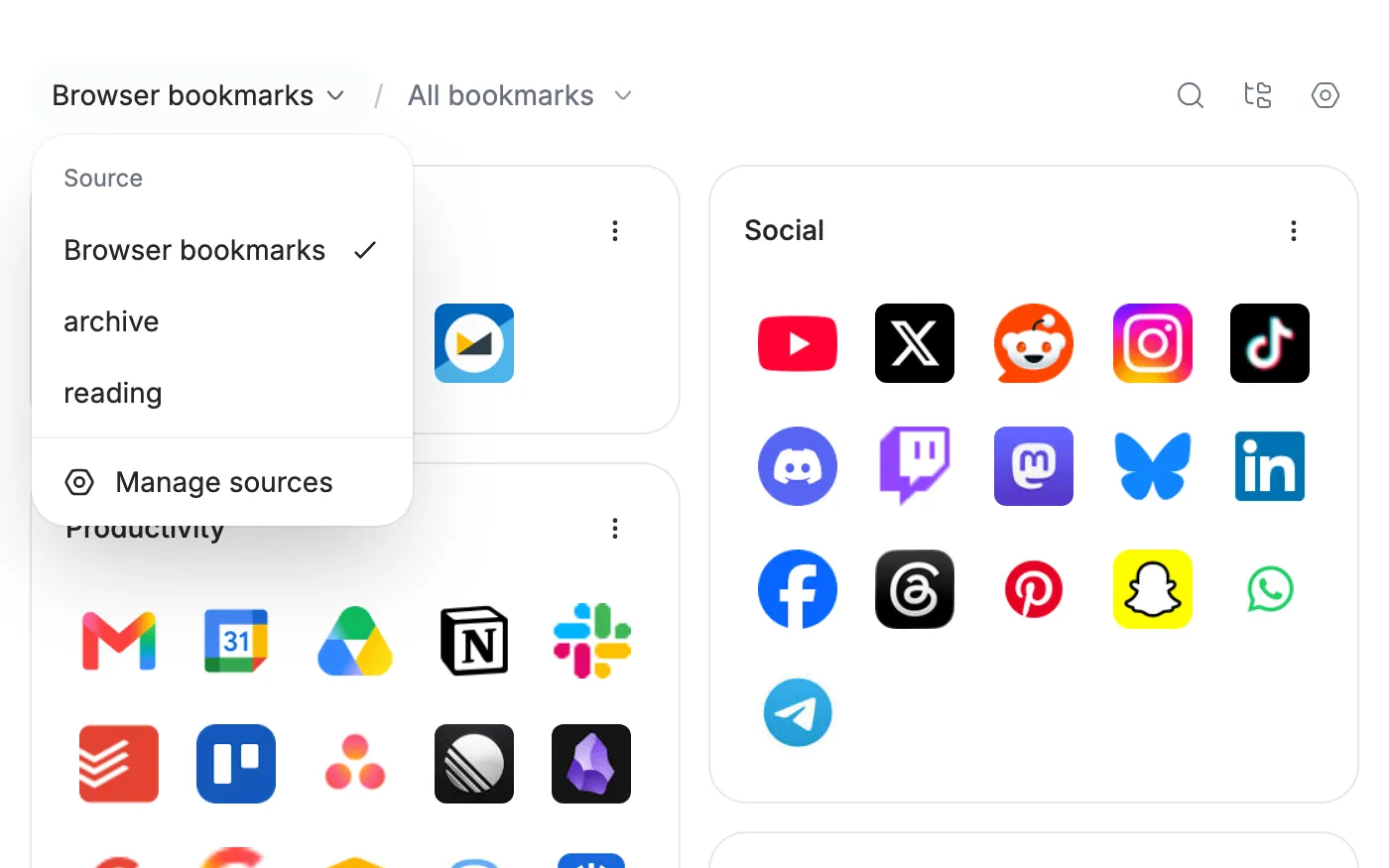
Every bookmark folder becomes a card. Open a new tab and your library is right there, not a search box.
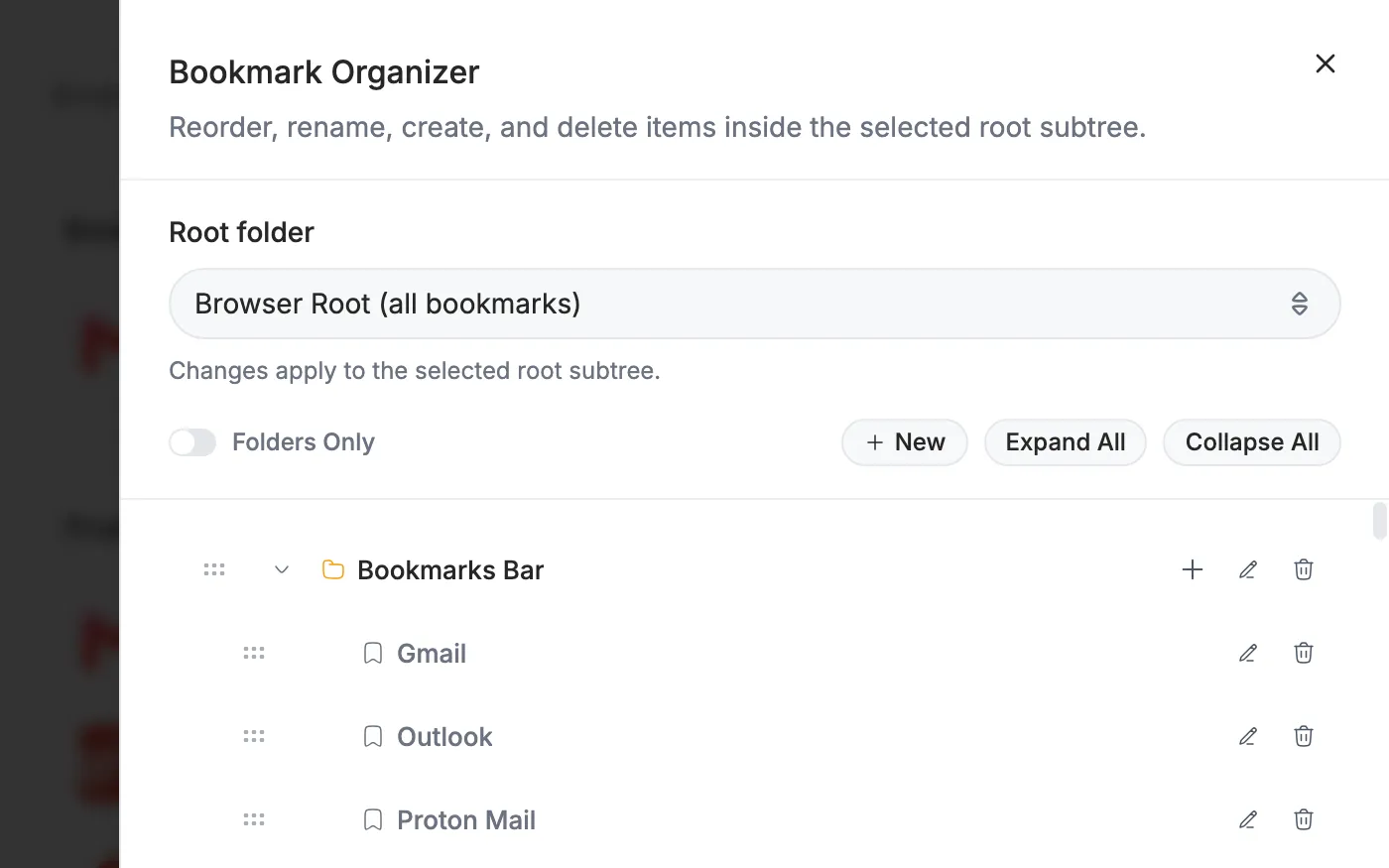
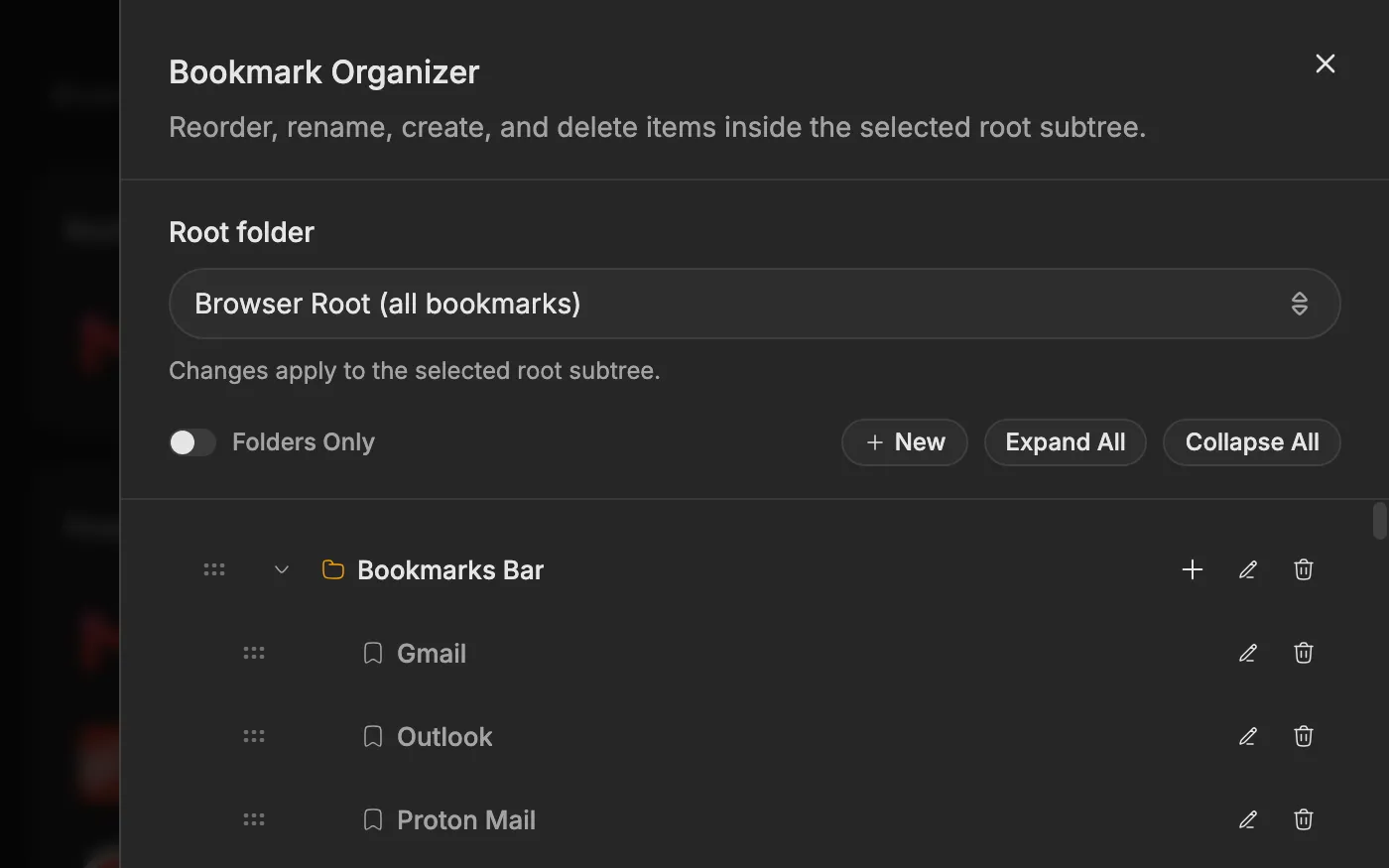
- A real organizer, with drag and drop
- Drag bookmarks between folders, reorder, rename, create and delete in a full tree editor.
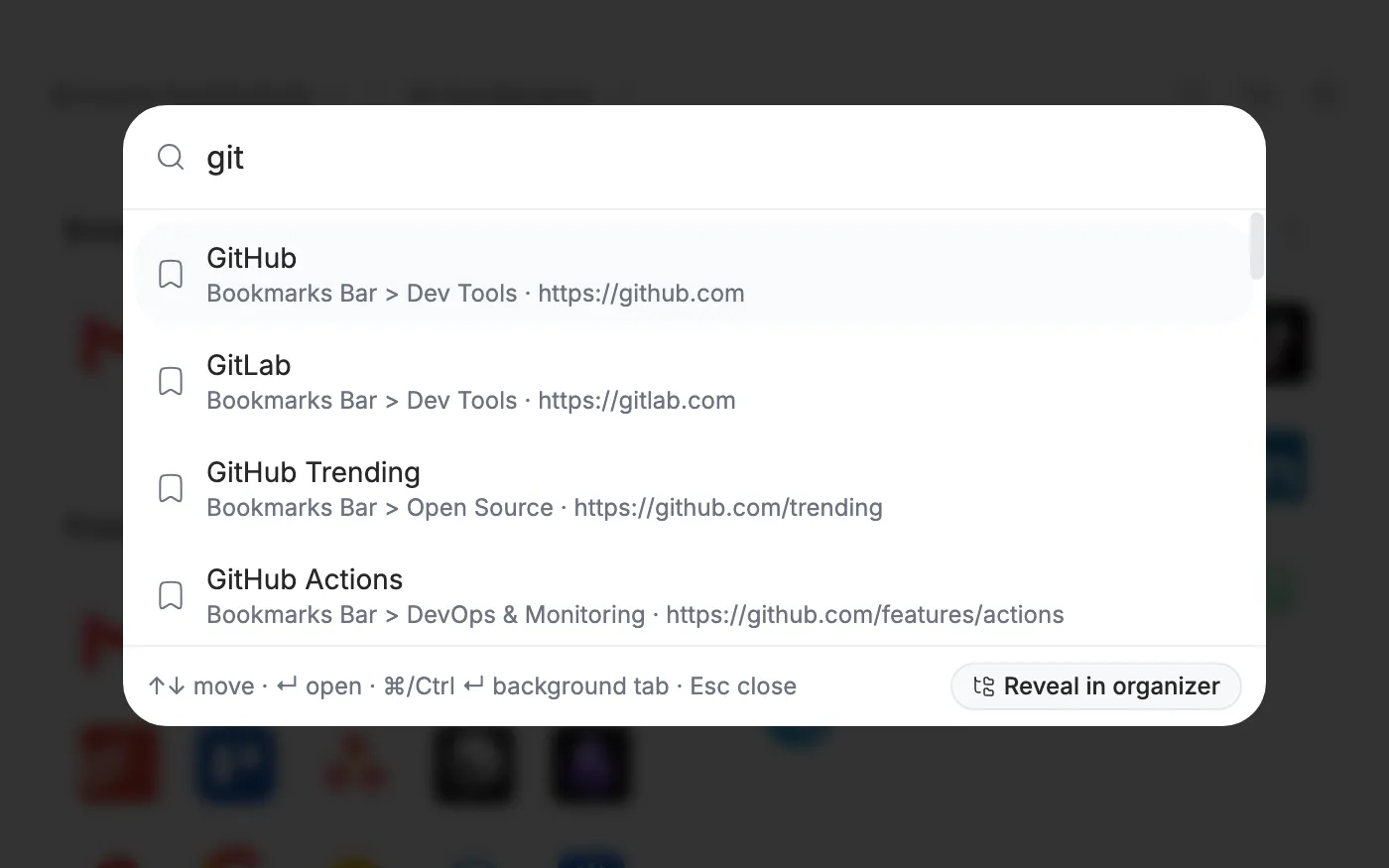
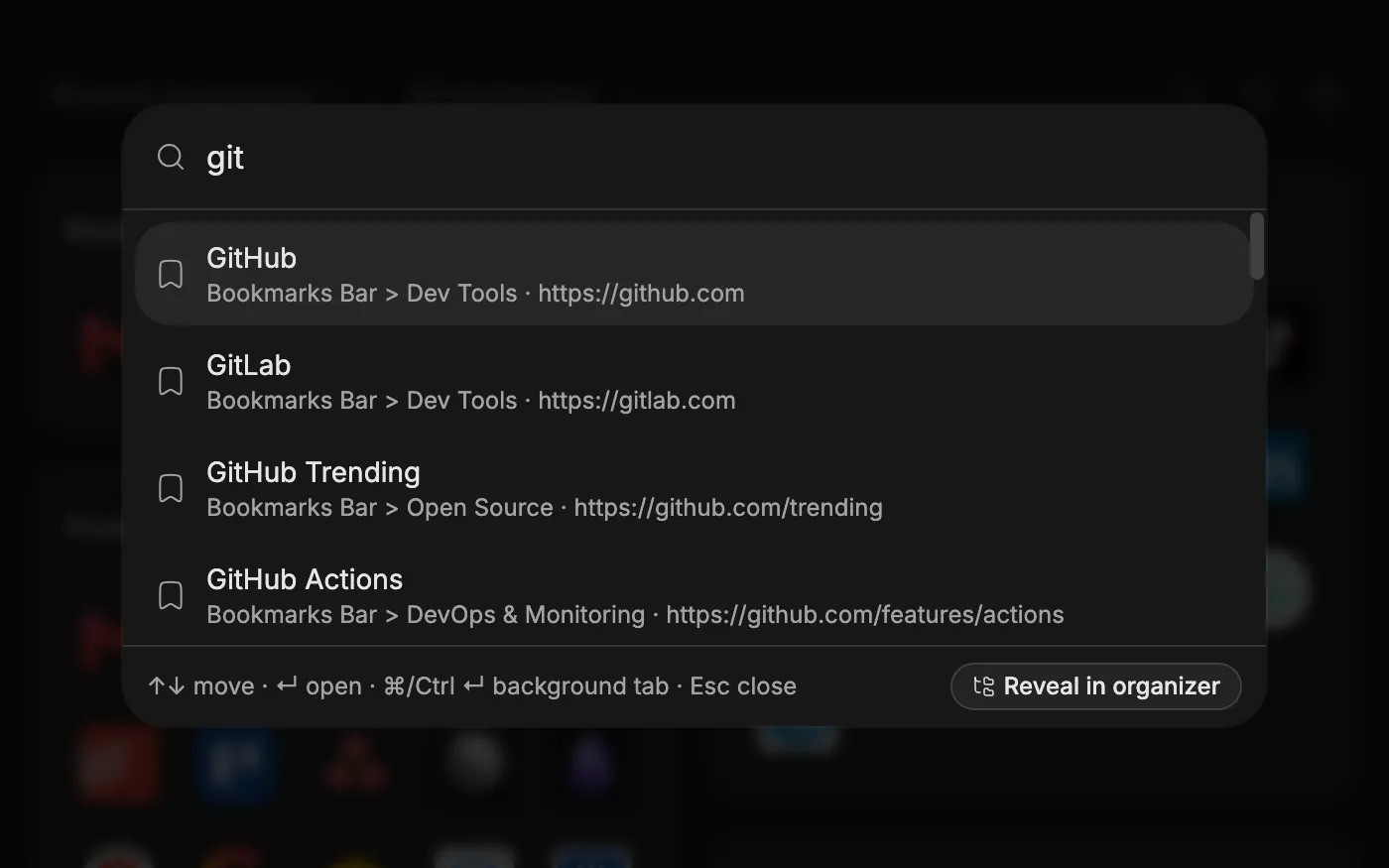
- Find any bookmark in a keystroke
- Start typing anywhere on the dashboard. The search palette finds bookmarks in the active source by title or URL.
- Your sources, your root folder
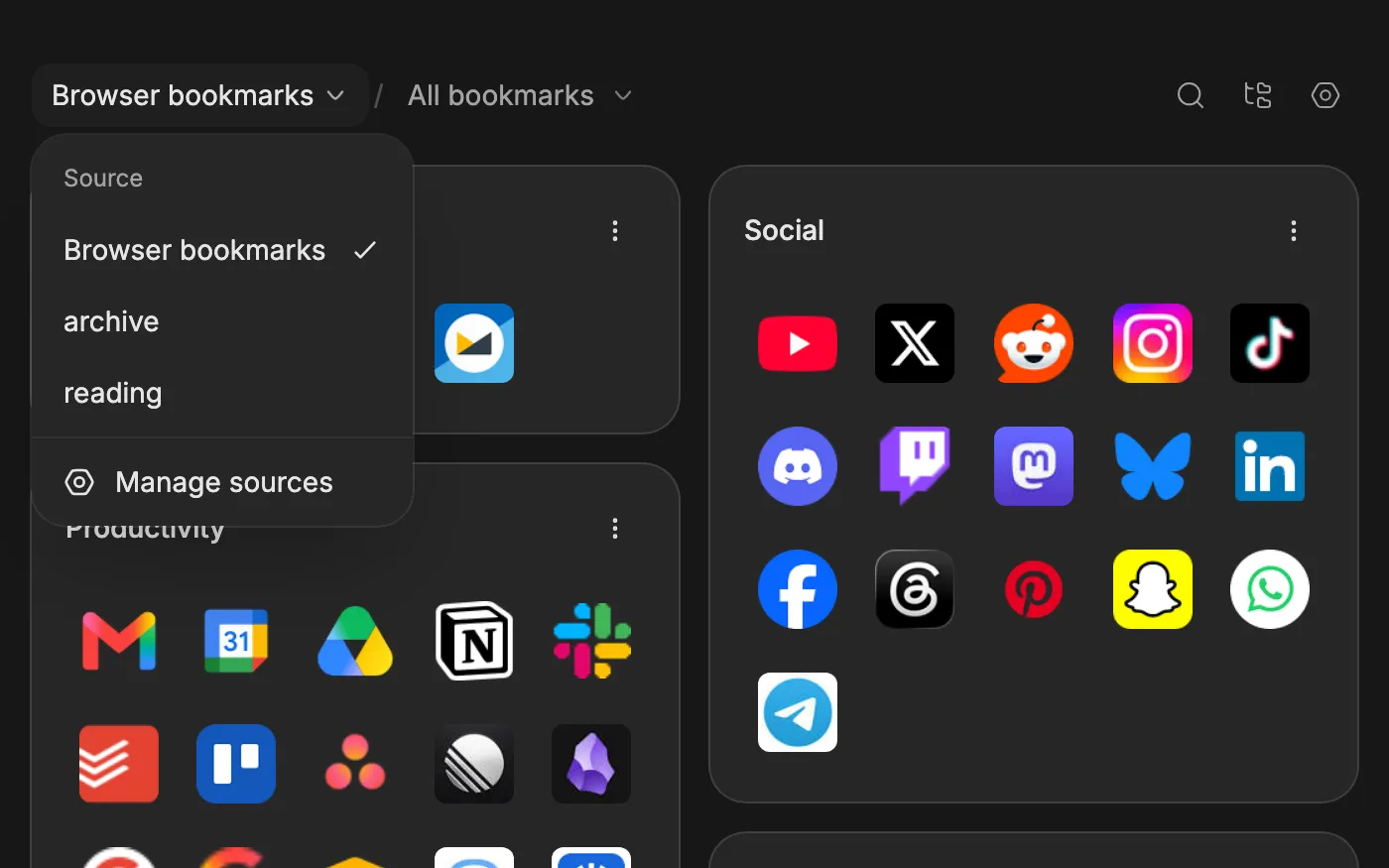
- Switch between browser bookmarks and Markdown vaults from the header, and start the dashboard from any folder.


- Import from anywhere
- Bring a bookmarks HTML file from any browser, or CSV exports from Raindrop and Pocket. Export to HTML whenever you like.
- Quick capture
- Save the page you are on from the toolbar popup, straight into the active source.
- Search from the address bar
- In Chrome and Firefox, type bb and press Tab in the address bar to search without opening the dashboard.
Sources
Browser bookmarks or Markdown files. Never mixed.
Operations affect only the active source. Switching sources never merges or moves bookmarks, so what lives where is always your decision.
- Browser bookmarksDefault
- Shows and edits the bookmarks you already have, through the browser's built-in bookmarks API. Nothing to set up and nothing copied.
- How sources work
- Markdown vaultOptional
- Your bookmarks as plain Markdown files in a folder you choose, served by a small daemon that only accepts connections from your own computer. The files stay usable in a text editor, in Obsidian and in Git. In Safari it is the only source.
npx bookmarks-but-better@latest- How Markdown vaults work
Themes
Ten themes, each in light and dark
From Vintage Paper to Cyberpunk, every theme comes with light, dark and system modes.


Privacy
Private by design, not by policy update
The only network calls the extension makes are to a public favicon service, with origins only and never full URLs, and to your own local daemon if you connect one.
- No account
- Nothing to register, nothing to log into.
- No analytics
- No telemetry, no fingerprinting, no funnels.
- No tracking
- No ads, no trackers, no third-party scripts.
- No content collection
- Your bookmarks stay in your browser or in your own files.
Do I have to set anything up?
No. Install it, open a new tab, and the bookmarks you already have are there as folder cards. The first run offers to walk you through the options, and you can skip straight past it. Install the extension
Do I need the Markdown vault or the daemon?
No. The dashboard runs on your browser's own bookmarks with nothing installed beyond the extension, and most people leave it that way. Set up a vault only if you want your bookmarks as files you can open in a text editor, keep in Git or read in Obsidian. Safari is the exception: it gives extensions no access to its bookmarks, so a vault is the only source there. How Markdown vaults work
Does it change my existing bookmarks?
It displays and edits the bookmarks you already have, through your browser's built-in bookmark APIs. Nothing is moved, merged or deleted unless you do it yourself in the organizer.
Is it free?
Yes, all of it. Bookmarks But Better is free and open source under the MIT license, and it needs no account. The source code is on GitHub if you prefer to build it yourself.
Can I import bookmarks from Pocket, Raindrop or another browser?
Yes. Import a bookmarks HTML file exported from any browser, or the CSV exports from Raindrop and Pocket. You can export the active source to an HTML file at any time. Import and export
Does it work with Obsidian?
The optional daemon keeps your bookmarks as plain Markdown files in a folder you choose, with no hidden database. That folder stays usable in a text editor, in Obsidian and in Git. Obsidian bookmarks as Markdown files
Does it work in Safari?
The Safari version is coming soon. If you need it now, you can build it yourself from the source code. It works differently: Safari gives extensions no access to its bookmarks and no new-tab override, so there the extension works with a Markdown vault served by the local daemon, and you open the dashboard from the toolbar popup. Safari: status and building from source
Where do my bookmarks actually live?
In your browser's own bookmarks, or in a folder of Markdown files you choose. The legacy Standalone source, which is retiring, keeps its collection in a database inside the browser profile (IndexedDB); moving off it is an explicit copy that leaves that data intact. Nothing is uploaded anywhere. Bookmark sources
Do you collect anything at all?
No accounts, analytics, tracking, ads or bookmark-content collection. The extension contacts only a public favicon service (origins only) and, if you connect one, your own loopback-only daemon. Privacy
Get started
Your bookmarks, one tab away
Add it from the Chrome Web Store or Firefox Add-ons in a minute. The Safari version is coming soon.
Need it now? You can build it from source.